
Service Bindings
View and manage Worker-to-Worker connections
Service bindings allow Workers to call other Workers directly without going through the public internet. FlareDesk shows your configured service bindings and their target services.
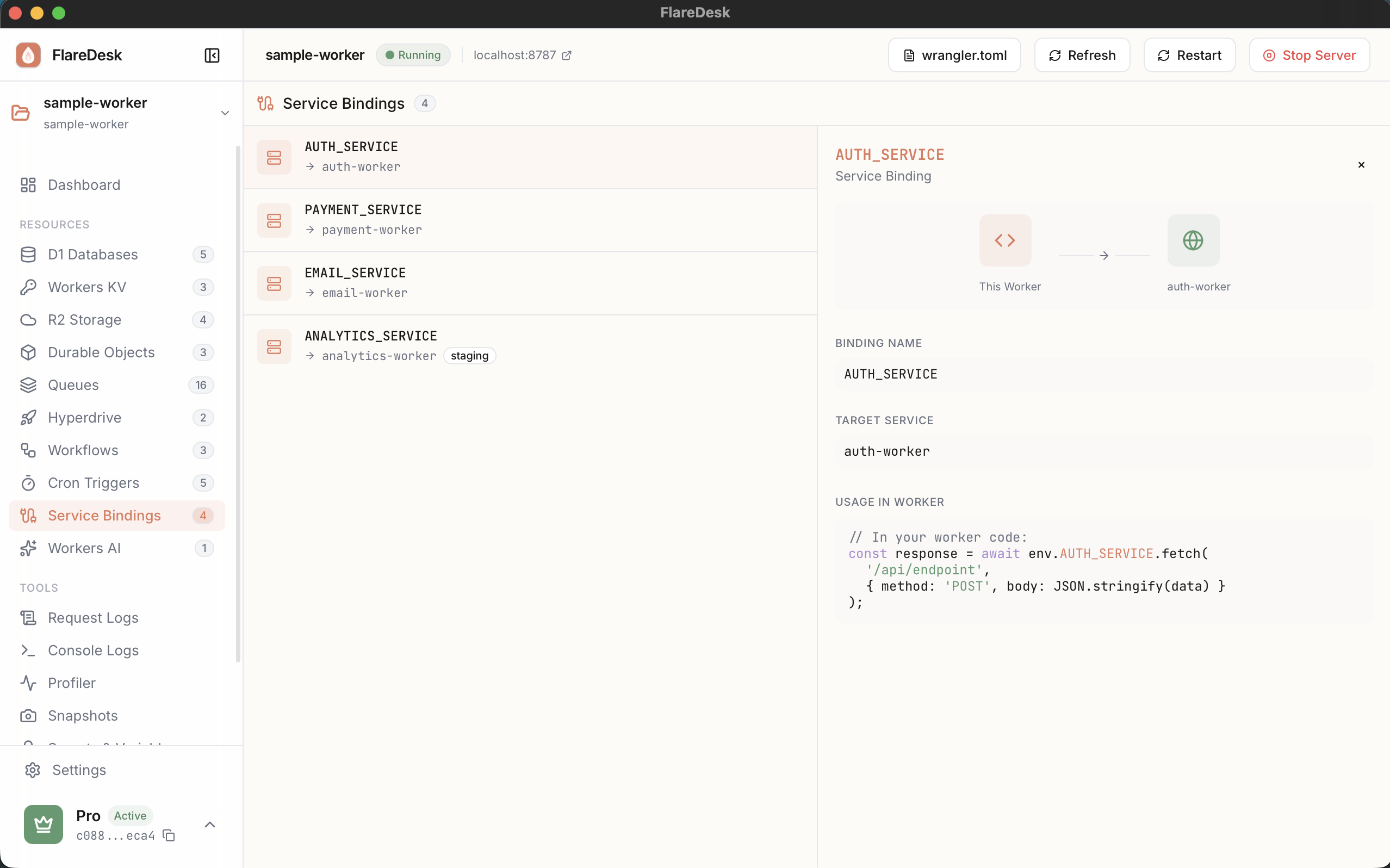
What are Service Bindings?
Service bindings enable direct communication between Workers:
- Zero network latency between Workers
- No public HTTP overhead
- Secure internal communication
- Share logic across multiple Workers
Example: A main API Worker can call an authentication Worker directly using a service binding.
Viewing Service Bindings
- 1
Navigate to Services in the sidebar
- 2
View all configured service bindings
- 3
See the target service for each binding
Binding Information
- Binding Name: How you reference it in your code (e.g.,
env.AUTH_SERVICE) - Target Service: The Worker being called
- Status: Whether the service is available
Configuration
Service bindings are configured in your wrangler.toml:
# wrangler.toml
[[services]]
binding = "AUTH_SERVICE"
service = "auth-worker"
Note: For local development, the target service must also be running locally for the binding to work.
Using Service Bindings
In your Worker code, call the bound service using env.BINDING_NAME.fetch():
export default {
async fetch(request, env) {
// Call the auth service directly
const authResponse = await env.AUTH_SERVICE.fetch(
new Request('http://internal/verify', {
method: 'POST',
body: JSON.stringify({ token });
})
);
return authResponse;
}
}