
Workflows
Create and manage durable workflow instances
Workflows enable durable, long-running processes with automatic retries and state persistence. FlareDesk lets you create, monitor, and control workflow instances during development.
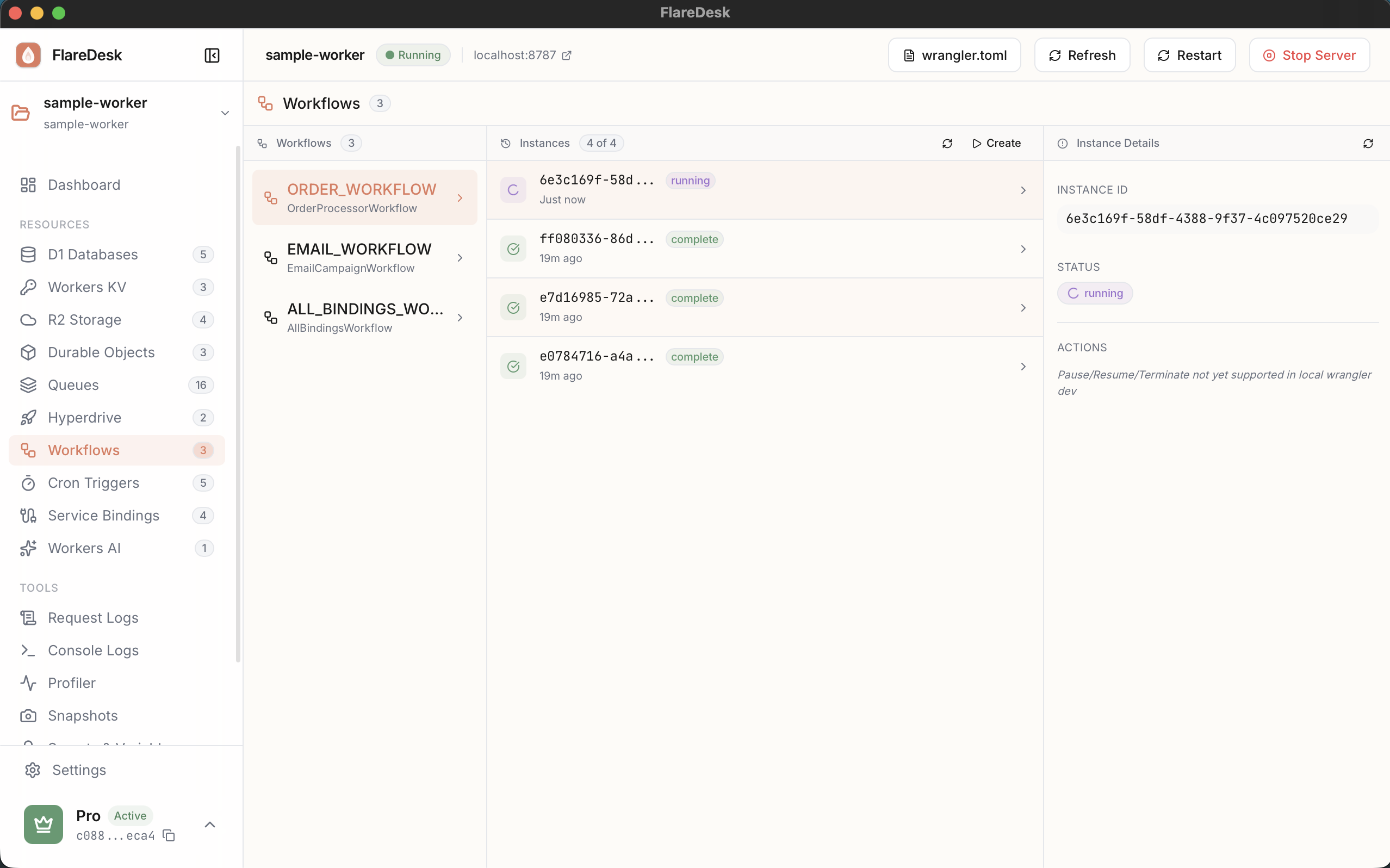
Overview
Create Instances
Start new workflow instances with parameters
Monitor Status
View all instances and their current state
Pause/Resume
Control workflow execution
Terminate
Stop and cancel running workflows
Creating Workflow Instances
- 1
Navigate to Workflows in the sidebar
- 2
Select a workflow binding from the dropdown
- 3
Click "Create Instance"
- 4
Enter an instance ID (or generate one)
- 5
Provide initial parameters as JSON
- 6
Click "Create"
Monitoring Workflows
The workflow list shows all instances with their current status:
| Status | Description |
|---|---|
| Running | Workflow is actively executing |
| Paused | Execution is temporarily stopped |
| Completed | Workflow finished successfully |
| Failed | Workflow encountered an error |
Controlling Workflows
Pause
Temporarily stop workflow execution. The workflow will retain its state and can be resumed later.
Resume
Continue execution of a paused workflow from where it left off.
Terminate
Stop and cancel the workflow permanently. This cannot be undone.